AI chatbots like ChatGPT and Perplexity are changing how people discover local businesses. Instead of scrolling through Google results, more consumers are asking AI for recommendations. They’re typing questions like “best Italian restaurant near downtown Seattle” or “trusted plumber in Austin.”
If you run a local business, you need to know whether these AI tools mention your company when users ask for recommendations. Unlike traditional search engines, AI responses are conversational and selective. They typically suggest only three to five businesses per query.
This guide shows you exactly how to check if ChatGPT or Perplexity recommends your business, why you might not appear, and what you can do about it.
TL;DR: AI chatbots are becoming primary discovery tools for local businesses. According to recent industry surveys, 23% of consumers now use AI assistants for business recommendations. This guide explains simple methods to check your AI visibility and improve your chances of being recommended.
Why Your Business Needs to Appear in AI Recommendations
According to Gartner, traditional search engine volume will drop 25% by 2026 due to AI chatbots and other alternatives. That’s a significant shift in how people find services and products.
When someone asks ChatGPT for a recommendation, they’re often ready to take action. They want a shortlist of options, not hundreds of results to sort through. If your business makes that list, you’re getting warm leads who trust the AI’s judgment.
Unlike Google’s local pack which shows three businesses, AI responses vary. Sometimes they suggest five options, sometimes ten. But they rarely go beyond that. Competition for these spots is intense.
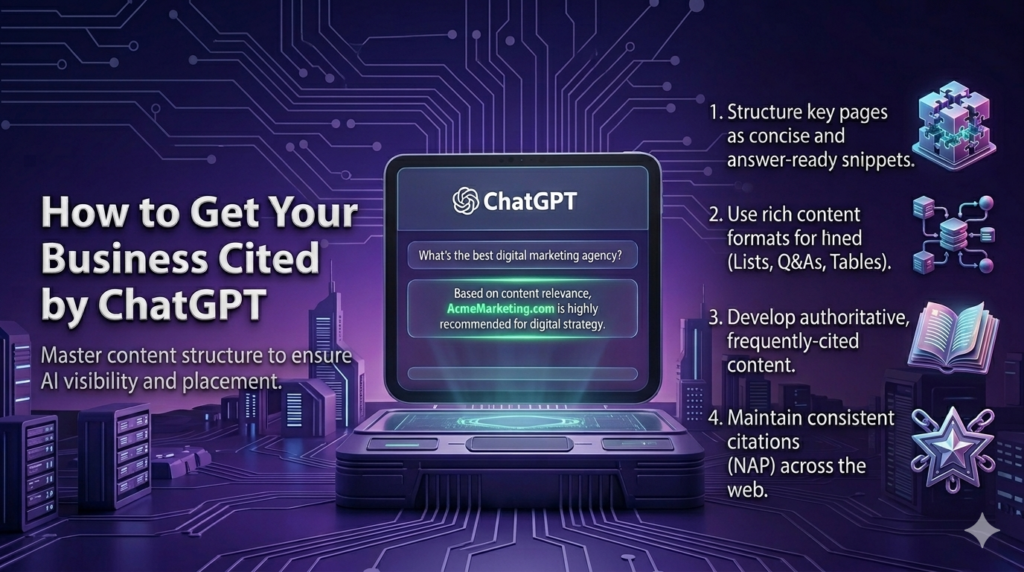
Our insight: Businesses with strong online reputations and consistent information across multiple platforms are significantly more likely to appear in AI recommendations. The algorithms prioritize trustworthy, well-documented businesses.
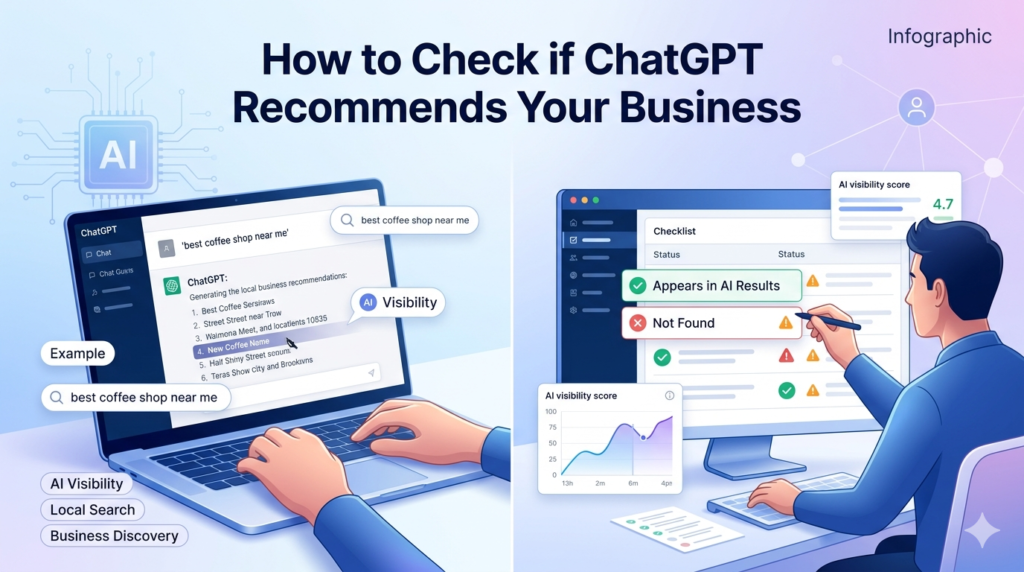
How to Check If ChatGPT Recommends Your Business
Start with the most direct method: ask ChatGPT yourself. Open a new chat and type specific queries that potential customers might use. Be precise about location and service type.
Step 1: Test Basic Recommendation Queries
Try these question formats:
- “What are the best [your business type] in [your city]?”
- “Recommend [your service] near [neighborhood/landmark]”
- “Where should I get [your product/service] in [location]?”
- “Top rated [your business category] in [city]”
Run at least 5 to 10 different queries. Take screenshots of the responses. Your business might appear in some queries but not others.
Step 2: Use Different Phrasing and Context
People ask questions in many ways. Test variations:
- Casual language: “Looking for a good pizza place downtown”
- Specific needs: “Family friendly dentist accepting new patients”
- Problem focused: “Need emergency plumber in [area]”
- Comparison requests: “Compare top bakeries in [neighborhood]”
ChatGPT’s responses change based on how you phrase the question. What you think customers ask might differ from their actual queries.
Step 3: Check With and Without Context
Try queries that include extra details about preferences or requirements:
- Budget constraints: “Affordable wedding photographer in [city]”
- Style preferences: “Modern hair salon for curly hair”
- Special requirements: “Pet friendly hotels near [location]”
These contextual queries often produce different recommendations than broad searches.
Step 4: Monitor Competitor Mentions
Note which businesses ChatGPT recommends instead of yours. Visit their websites and online profiles. What are they doing differently? Common patterns among recommended businesses include:
- Professional, updated websites with clear service information
- Consistent business information across directories
- Strong review profiles on Google, Yelp, and Facebook
- Active social media presence
- Local news mentions or features
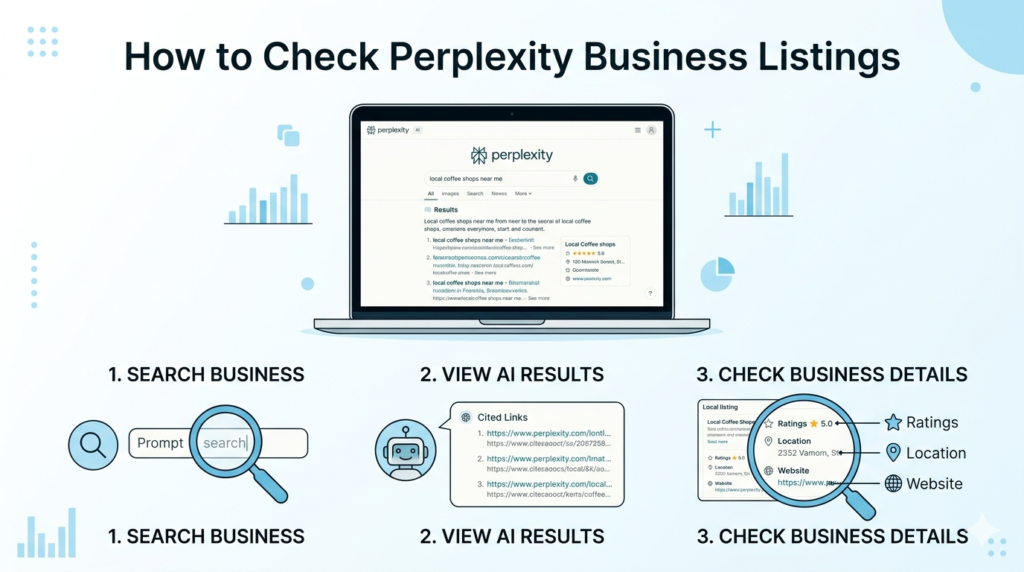
How to Check Perplexity Business Listings
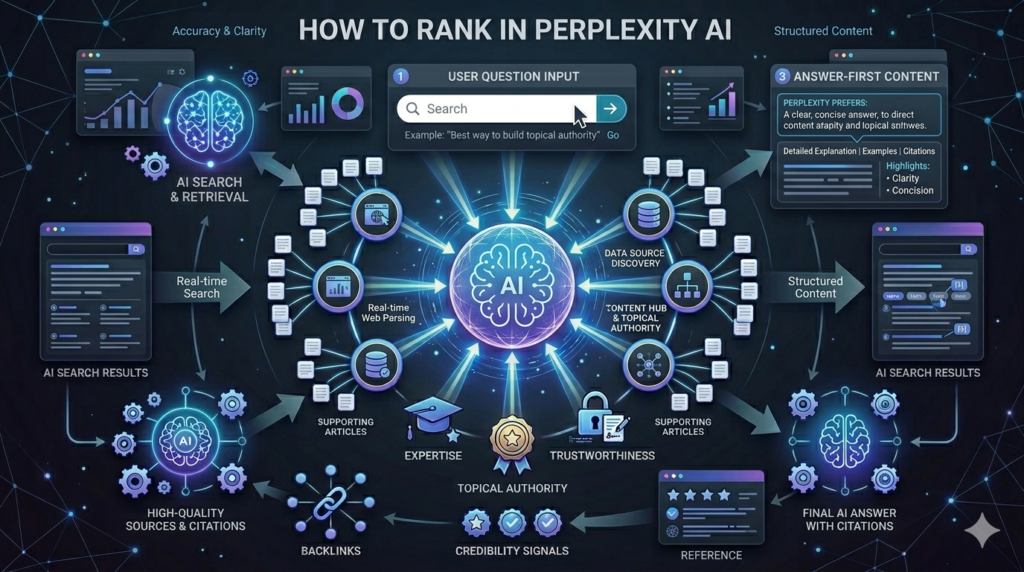
Perplexity works differently than ChatGPT. It actively searches the web and cites sources in real time. This makes it more likely to find and reference recent information about your business.
Testing on Perplexity
Use the same query types you tried with ChatGPT:
- Location based searches: “Best sushi restaurants in Portland”
- Service specific: “Experienced estate planning attorney in Miami”
- Need based: “Emergency vet clinic open late”
Perplexity shows its sources at the bottom of each response. Check whether it cites your website, Google Business Profile, or review sites that mention you.
Understanding Perplexity’s Sources
Look at where Perplexity pulls its information from:
- Direct website mentions
- Business directories (Yelp, TripAdvisor, industry-specific sites)
- Local news articles
- Blog posts and listicles
- Social media profiles
If Perplexity never cites anything related to your business, that’s a red flag about your overall online presence.
Our insight: Perplexity’s real-time search capability makes it particularly sensitive to recent content. Businesses mentioned in recent articles, blog posts, or updated directories have better visibility than those relying solely on static information.
Why Your Business May Not Appear in AI Recommendations
There are several common reasons AI tools skip over businesses:
Limited Online Presence: If your website is outdated or you’re not listed in major directories, AI has little information to work with. ChatGPT and Perplexity rely on publicly available data.
Inconsistent Information: Different addresses on your website, Google profile, and Yelp confuse AI systems. They can’t verify which information is correct, so they might skip you entirely.
Poor or No Reviews: According to BrightLocal’s 2023 survey, 98% of consumers read reviews for local businesses. AI tools factor in review quality and quantity when making recommendations.
Generic or Thin Website Content: If your website doesn’t clearly explain what you do, where you’re located, and who you serve, AI can’t confidently recommend you.
No Authoritative Mentions: Businesses featured in local news, industry blogs, or trusted directories get more weight. If nobody writes about you online, you’re invisible to AI.
Outdated Information: Permanently closed hours on Google, a broken website, or old phone numbers signal that your business might not be active.
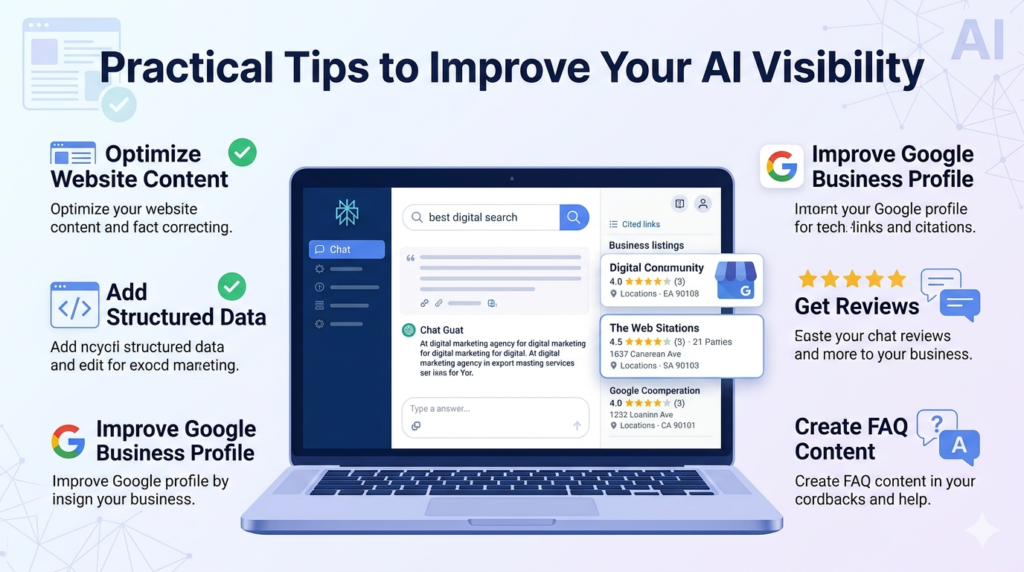
Practical Tips to Improve Your AI Visibility
Now that you know how to check, here’s what you can do to increase your chances of being recommended.
Optimize Your Google Business Profile
This is your foundation. Make sure:
- Your business name, address, and phone number are accurate
- Hours are current and include holiday schedules
- Categories accurately describe what you do
- Photos are high quality and recent
- You respond to all reviews (positive and negative)
- Posts and updates are published regularly
Build Consistent Directory Listings
Get listed on relevant platforms for your industry:
- General directories: Yelp, Yellow Pages, Foursquare
- Industry specific: OpenTable (restaurants), Zocdoc (healthcare), Houzz (home services)
- Local chambers of commerce and business associations
Ensure your NAP (Name, Address, Phone) is identical everywhere.
Create Quality Content About Your Services
Your website should answer common customer questions:
- Detailed service pages for each offering
- Location specific pages if you serve multiple areas
- FAQ sections addressing typical concerns
- Case studies or project galleries
- About page with your story and credentials
Write naturally for humans, not search engines. Clear, helpful content performs best.
Gather and Respond to Reviews
According to Podium’s 2023 State of Online Reviews, 93% of consumers say online reviews impact their purchasing decisions. AI systems recognize this and prioritize well-reviewed businesses.
- Ask satisfied customers for reviews on Google and industry sites
- Respond to every review within 24 to 48 hours
- Address negative feedback professionally and offer solutions
- Don’t fabricate reviews (AI can often detect patterns)
Get Featured in Local Content
Reach out to local bloggers, news sites, and industry publications:
- Offer expert quotes for relevant articles
- Sponsor local events and get mentioned on event sites
- Write guest posts for local blogs
- Get listed in “best of” roundups
These mentions help establish authority and give AI more credible sources to reference.
Keep Your Website Fast and Mobile Friendly
Technical factors matter. Your site should:
- Load in under three seconds
- Work perfectly on mobile devices
- Use HTTPS security
- Have clear contact information on every page
- Include schema markup for local businesses [INTERNAL-LINK: schema markup guide → explanation of structured data for local businesses]
Frequently Asked Questions
How often does ChatGPT update its business recommendations?
ChatGPT’s knowledge base updates periodically, but it doesn’t crawl the web in real time like Perplexity. According to OpenAI, the base model has a knowledge cutoff, though features like web browsing can access current information. Your best strategy is maintaining consistent, strong signals across multiple platforms that get indexed regularly.
Can I pay to appear in ChatGPT recommendations?
No, there’s currently no advertising program for ChatGPT business recommendations. Unlike Google Ads, you can’t buy placement. AI recommendations are based on the quality and consistency of publicly available information about your business, review ratings, and authoritative mentions across the web.
What’s the difference between ChatGPT and Perplexity for business discovery?
Perplexity actively searches the web and cites recent sources, making it more current. ChatGPT relies more on its training data and patterns, though it can browse the web with certain features enabled. According to usage patterns, Perplexity users often prefer it for research-intensive queries while ChatGPT handles broader conversational searches.
How many reviews do I need to appear in AI recommendations?
There’s no magic number, but businesses with 20+ reviews and ratings above 4.0 stars perform better. ReviewTrackers’ 2023 report found that 94% of consumers avoid businesses with ratings below 3.5 stars. Focus on consistent review generation rather than hitting a specific target.
Does social media activity help with AI visibility?
Yes, but indirectly. Active social media profiles appear in search results and directory listings, providing AI tools with more data points about your business. Platforms like Instagram and Facebook also create web pages that AI can reference. However, social media alone won’t guarantee recommendations without strong fundamentals like reviews and directory listings.
Conclusion
Checking your AI visibility isn’t a one-time task. Set a reminder to test various queries monthly. Track which businesses appear instead of yours and analyze what they’re doing right.
The shift toward AI-powered discovery is real and accelerating. Businesses that adapt now will have a significant advantage over competitors who wait.
Start with the basics:
- Test your business in ChatGPT and Perplexity using customer-likely queries
- Document which searches include you and which don’t
- Fix inconsistent information across all platforms
- Build a steady stream of quality reviews
- Create helpful, detailed content on your website
- Earn mentions from trusted local sources
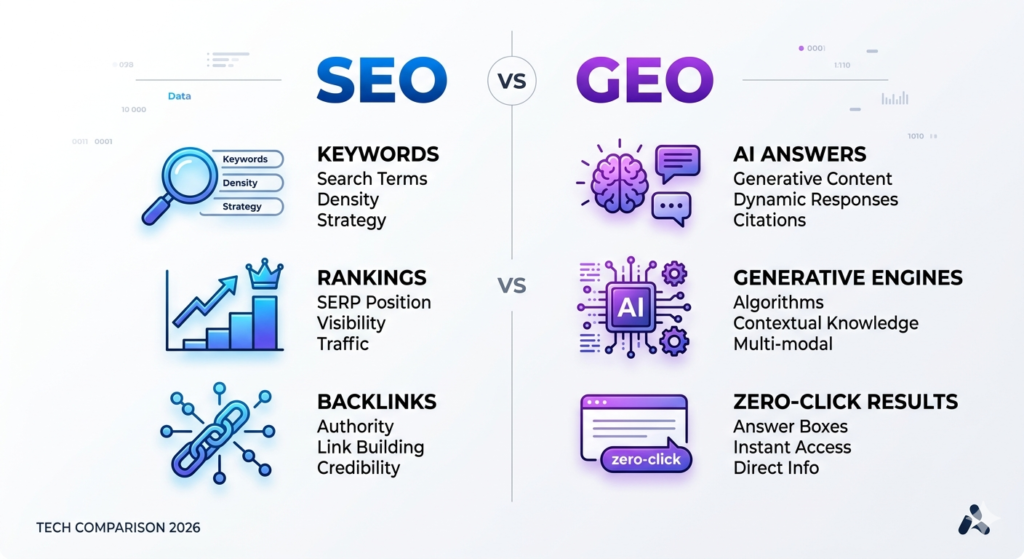
Remember that AI visibility isn’t separate from traditional SEO. It builds on the same foundation: being a trustworthy, well-documented business that serves customers well. Focus on those fundamentals, and AI tools will naturally start recommending you.